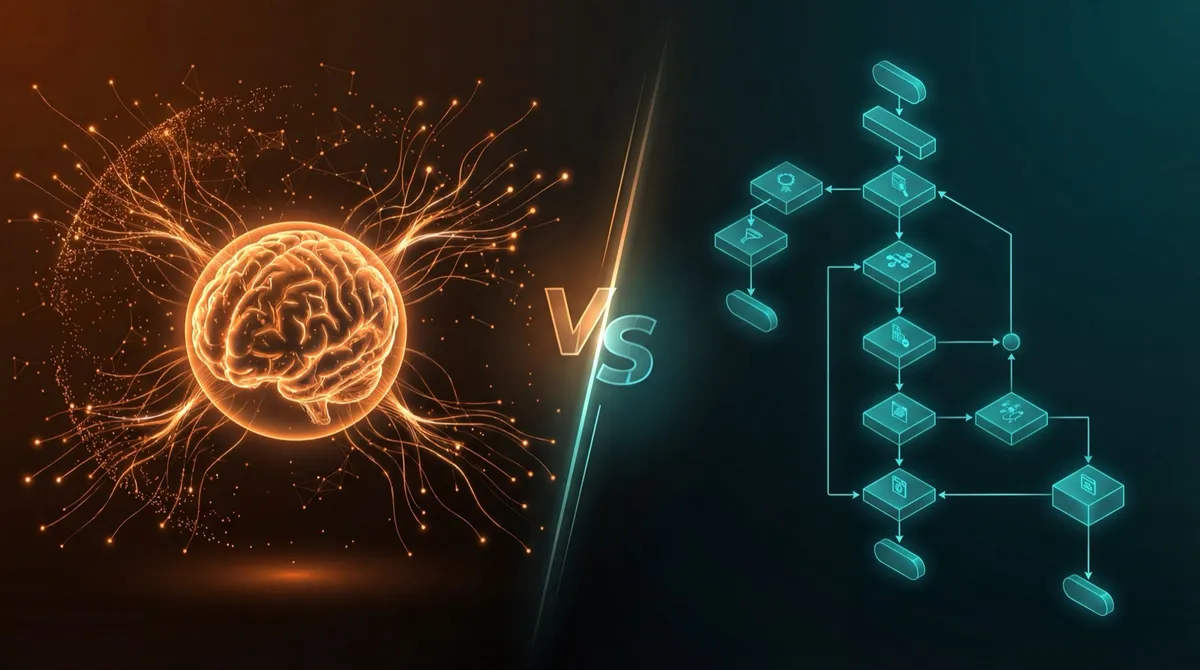
TL;DR: Workflows are predictable step-by-step automation (“when X happens, do Y”). AI agents make decisions and handle ambiguity. Use workflows for speed and reliability, agents for judgment calls. Often the best solution combines both.
The Confusion
“Should we build an AI agent or a workflow?”
We hear this question constantly. And honestly? The terminology is confusing. Let’s clear it up.
Workflows: Predictable Automation
A workflow is a series of steps that always execute in the same order. Think: “When X happens, do Y, then Z.”
Examples:
- New form submission → Create task in Asana → Send Slack notification
- Invoice received → Extract data → Update spreadsheet → Send confirmation
- Meeting scheduled → Create Zoom link → Send calendar invites → Set reminder
Workflows are:
- ✅ Predictable and reliable
- ✅ Easy to debug
- ✅ Fast to execute
- ❌ Can’t handle unexpected situations
- ❌ No judgment or reasoning
AI Agents: Intelligent Automation
An AI agent uses language models to make decisions and take actions. It can reason about situations and adapt to the unexpected.
Examples:
- Read emails and decide who should handle each one
- Analyze customer feedback and identify common themes
- Research prospects and personalize outreach messages
AI agents are:
- ✅ Can handle ambiguity
- ✅ Make judgment calls
- ✅ Adapt to new situations
- ❌ Slower than workflows
- ❌ Harder to predict exact behavior
Quick Comparison
| Workflows | AI Agents | |
|---|---|---|
| Speed | Fast (milliseconds) | Slower (seconds) |
| Predictability | 100% deterministic | Variable output |
| Handles edge cases | No | Yes |
| Setup complexity | Low | Medium |
| Best for | Repetitive, rule-based tasks | Judgment, interpretation |
When to Use Each
Use Workflows When:
- The process is well-defined with clear rules
- Speed matters more than flexibility
- You need 100% predictable behavior
- The trigger and actions are always the same
Use AI Agents When:
- The task requires judgment or interpretation
- Inputs vary significantly from case to case
- You need to handle edge cases gracefully
- The “rules” are too complex to write explicitly
The Best of Both Worlds
Often, the best solution combines both:
- Workflow triggers kick off the process
- AI agent analyzes and makes decisions
- Workflow executes the chosen action
This hybrid approach gives you speed where it matters and intelligence where you need it.
Example: Customer Support Triage
A support email arrives (workflow trigger). The AI agent reads it, determines urgency and category, and decides who should handle it. Based on that decision, the workflow routes it to the right queue, sets the priority, and sends an appropriate auto-response. The AI made the judgment call; the workflow handled the execution.
Still Not Sure?
Take our quiz to discover which approach fits your specific use case. It takes 2 minutes and we’ll explain exactly what you need.
Or browse our case studies to see how we’ve applied these approaches for real clients.

The Team
We build AI that does the boring stuff — so you can focus on the work that matters.